Free Unity Assets — Download
477 assets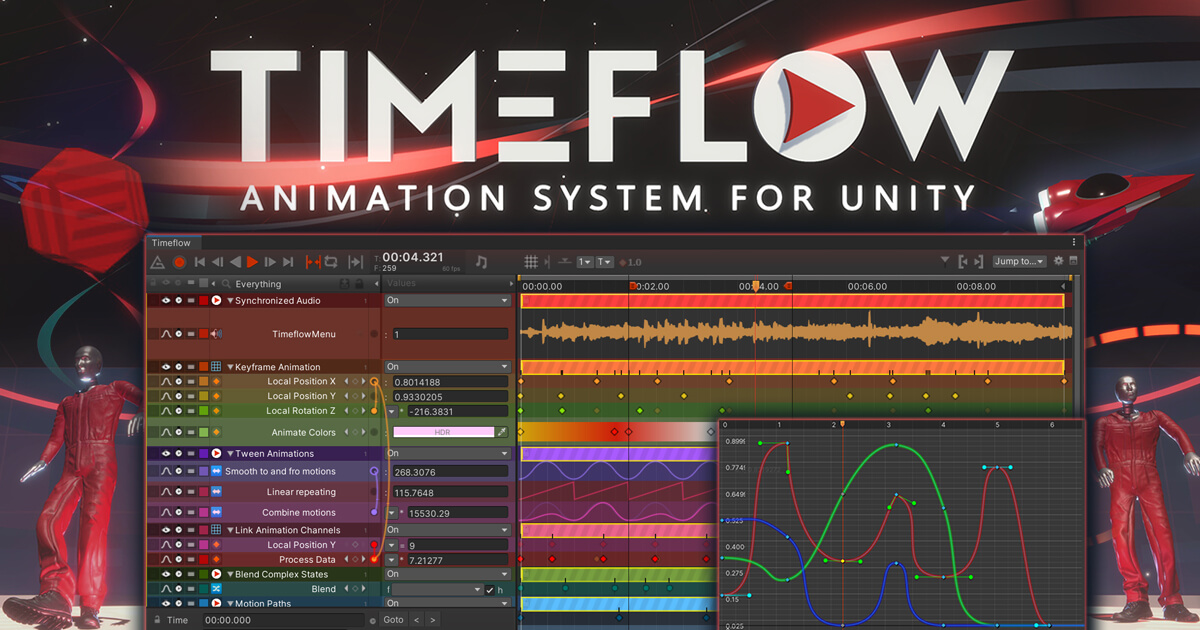
DeepVoice Pro - Text To Voice
Use the Timeflow Animation System tool from Axon Genesis on your next project. Find this & more animation tools on the Unity Asset Store.

ThreadHarmonizer
ThreadHarmonizer analyzes Unity C# scripts, finds CPU-heavy code, and automatically integrates safe multithreading and Unity Job System optimizations.
The Visual Engine | Terrain Blanket Module
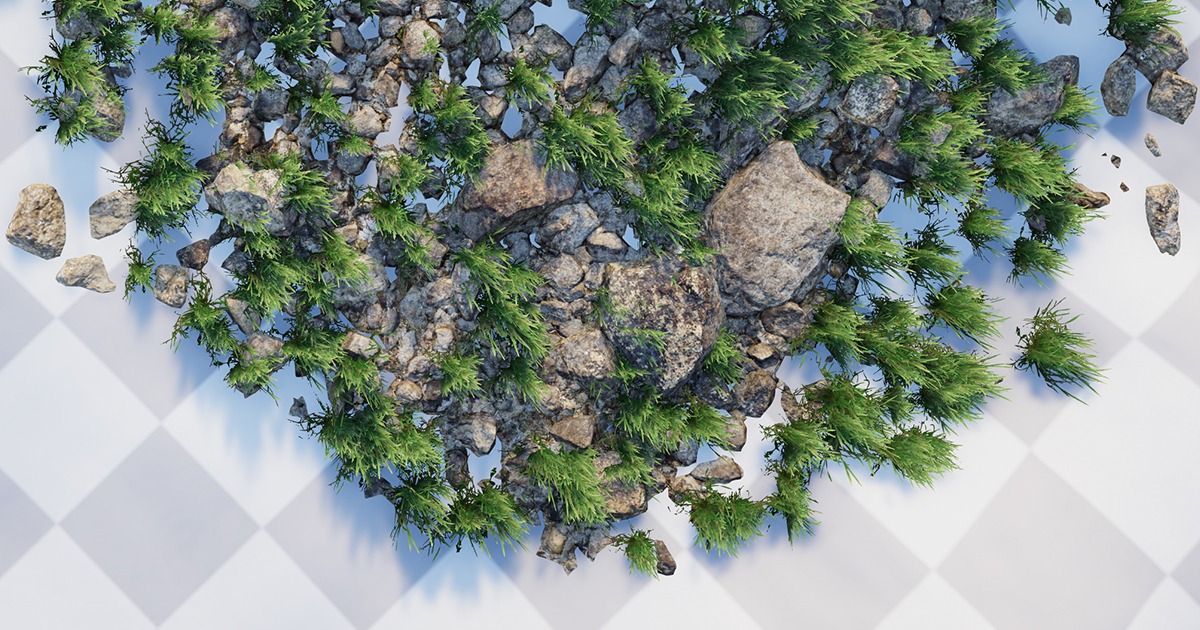
Documentation | Join Discord | ContactWelcome! All asset-related discussions are moving to Discord. Join us for more information, updates, if you experience any issues, or if you just want to say hi!Please check the description, limitations, disclaimers before buying the asset!⚠ RequirementsThe latest version of the Visual Engine is required for the module to work!The Visual Engine is a set of high-quality shaders and tools designed to unify 3rd party assets under the same shader system. Enable high-quality wind motion, interaction, seasons, wetness, subsurface, layers, variation, etc. for all assets with Standard, Universal, or HD Render Pipeline!○ OverviewThe Terrain Blanket module allows you to conform and align big patches of grass or groups of rocks, which would only work for flat surfaces, to the terrain surface and normal direction. The shaders are using the pre-baked pivots to treat each sub-mesh as an individual object, allowing you to use fewer grass objects while covering bigger areas. Or it can simply conform objects like roots to the terrain surface like a 3D mesh decal.The Terrain Blanket module supports seamless object-to-terrain blending when the Terrain Shaders module is used!○ CompatibilityThe Terrain Blanket Module has integration with the following 3rd party tools:✓ Amplify Shader Editor - Full shader editing support✓ GPU Instancer - Instanced Indirect support✓ Nature Renderer - Procedural Instancing support✓ Instant Renderer - Procedural Instancing support✓ Vegetation Studio - Instanced Indirect support✓ Vegetation Studio Pro - Instanced Indirect supportThe Terrain Blanket Module supports the following add-ons:✓ The Visual Engine • Terrain Shaders Module (Terrain Blending)✓ The Visual Engine • Terrain Elements Module○ Features✓ The Visual Engine systems support: All systems✓ The Visual Engine elements support: All elements✓ Terrain height conform✓ Terrain orientation alignment✓ Terrain layer blending designed to work with the Terrain Shaders Module✓ Amplify Shader Editor support✓ Conform and blending demo scenes included○ Limitations🞫 The shaders are not designed for mobile development!🞫 Scalable Ambient Obscurance is not supported in Forward Rendering🞫 Only the latest LTS Unity versions are officially supported!○ Disclaimers⚑ The Blanket shaders are designed to conform to the terrain surface, and by their nature, they cannot be used with the Amplify Impostors module! If you are using Nature Renderer, it already aligns the details to the terrain normals by default!⚑ The Blanket shaders are only designed to work with big grass patches and planar meshes and conforming is only a visual effect, mesh colliders will not be affected and they will not conform to the terrain!⚑ With the release of the Visual Engine, the Vegetation Engine will not be updated anymore, but it will get critical fixes for a limited time. If you purchased any of the modules and you need older versions compatible with the Vegetation Engine, feel free to contact me!○ More Assets✓ The Visual Engine • Unified shaders for any asset✓ The Visual Engine • Amplify Impostors Module✓ The Visual Engine • Terrain Shaders Module✓ The Visual Engine • Terrain Elements Module✓ Atmospheric Height Fog • Optimized fog for consoles, mobile, and VR✓ Polyverse Skies • Low poly skybox shaders✓ Free Skybox Shader • Cubemap Extended shader
The Visual Engine | Amplify Impostors Module
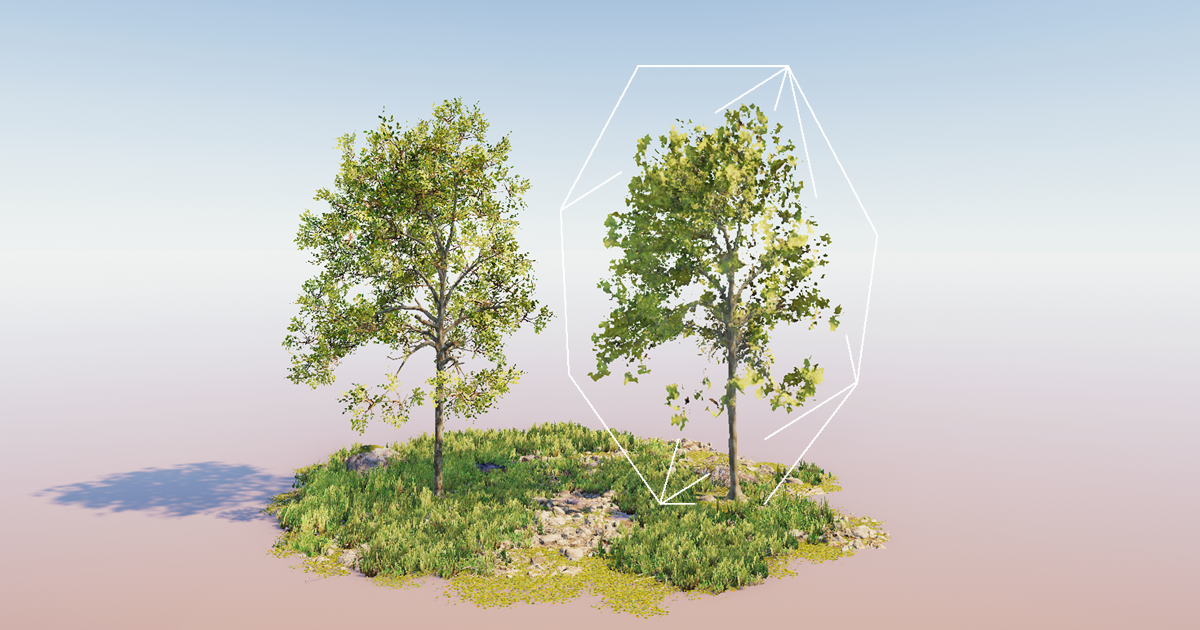
Documentation | Join Discord | ContactWelcome! All asset-related discussions are moving to Discord. Join us for more information, updates, if you experience any issues, or if you just want to say hi!Please check the description, limitations, disclaimers before buying the asset!⚠ RequirementsThe latest version of the Visual Engine is required for the module to work!The latest version of Amplify Impostors is required for the impostors baking!The Visual Engine is a set of high-quality shaders and tools designed to unify 3rd party assets under the same shader system. Enable high-quality wind motion, interaction, seasons, wetness, subsurface, layers, variation, etc. for all assets with Standard, Universal, or HD Render Pipeline!Amplify Impostors is a modern and flexible impostors authoring tool used to bake high-density geometry to quads while keeping the original shading! Impostors can be moved, rotated, scaled, receive and cast shadows, intersect other objects or impostors, and can be used with LODGroup or any LOD system.○ OverviewCombine the power of the award-winning shading and unification tools provided by the Visual Engine with the power of the optimized impostors provided by Amplify Impostors! The Amplify Impostors Module includes presets and runtime shaders for perfect baking with Standard, Universal, and HD pipelines, while the seasons, overlay, wetness, wind, and interaction remain dynamic!○ CompatibilityThe Amplify Impostors Module has integration with the following 3rd party tools:✓ Amplify Shader Editor - Full shader editing support✓ Nature Renderer - Procedural Instancing support✓ Vegetation Studio - Instanced Indirect support✓ Vegetation Studio Pro - Instanced Indirect support✓ GPU Instancer - Instanced Indirect supportThe Amplify Impostors Module supports the following modules:✓ The Visual Engine • Terrain Elements Module○ Features✓ The Visual Engine systems support: All systems✓ The Visual Engine elements support: All elements✓ Realistic Transmission support in Standard RP and URP✓ Diffusion Profiles Transmission support in HDR✓ All light types are now supported for Transmission✓ Deferred and Subsurface shader types support✓ Amplify Shader Editor support✓ Basic demo scene included○ Limitations🞫 The shaders are not designed for mobile development!🞫 Oculus Quest and other Mobile-based VR devices are not supported🞫 Lightmap baking with impostors is not supported and is out of scope!○ Disclaimers⚑ Due to their nature, impostors are designed to be used as distance LODs. While the baking will match the original shader settings, the lighting will not match perfectly, but it will be quite close to the original!⚑ With the release of the Visual Engine, the Vegetation Engine will not be updated anymore, but it will get critical fixes for a limited time. If you purchased any of the modules and you need older versions compatible with the Vegetation Engine, feel free to contact me!○ More Assets✓ The Visual Engine • Unified shaders for any asset✓ The Visual Engine • Terrain Elements Module✓ The Visual Engine • Terrain Blanket Module✓ The Visual Engine • Terrain Shaders Module✓ Atmospheric Height Fog • Optimized fog for consoles, mobile, and VR✓ Polyverse Skies • Low poly skybox shaders✓ Free Skybox Shader • Cubemap Extended shader
DeepVoice Pro - Text To Voice
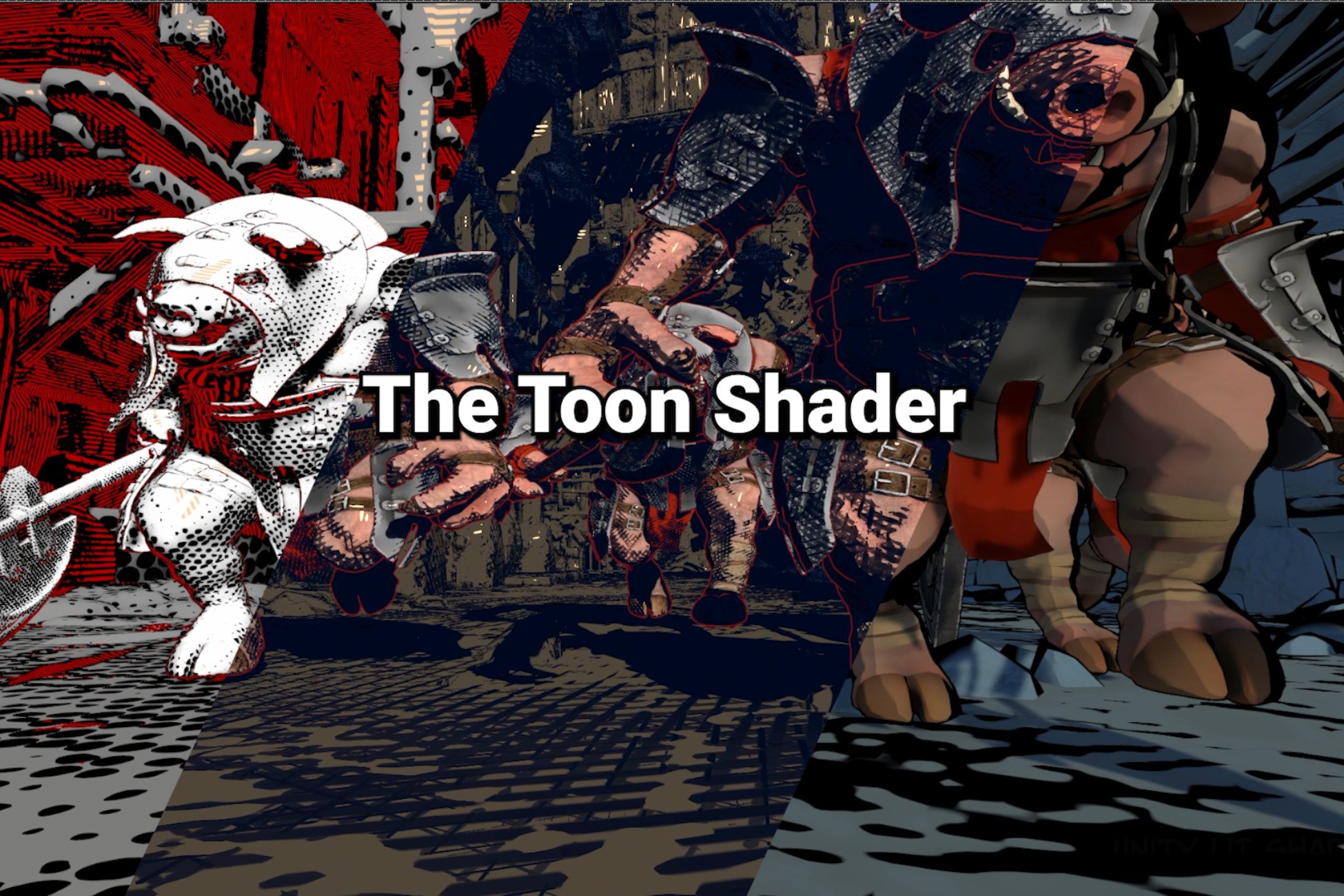
Add depth to your next project with The Toon Shader from Shadercrew. Find this & more VFX Shaders on the Unity Asset Store.

The Pine Environment (Foliage , Island , Nature , River )
The Pine Island Environment with 53 Unique Meshes.
The Complete UI Sound Effects Library
Instantly create a satisfying user experience. This library features 500+ original, professionally mastered UI sounds for any genre.

Tail Animator
⚡ Tail Animator Version 2 is a package of behaviours that simulates elastic tail movement using procedural animation, giving you a wide range of new possibilities!This animator adds much more realism and smoothness to your keyframed tail animations. It can also animate a tail automatically, without requiring you to create animations in external software.✍ You can add elastic motion to almost anything:Capes, plants, tentacles, arms, tails, or even entire bodies - as long as the object has bones or other parented GameObjects.The package also includes a tool for creating skinned meshes with bones directly inside Unity. (only single bone chains like single plant/tail/tentacle - NOT for body rigging)It can even be used to skin models at runtime.☄️ The component reacts to changes in an object’s position, rotation, and scale.Simply add the component to the object you want to animate, define the root transform or bone, and adjust the parameters to achieve the desired effect.⚙ Don’t worry about performance! You can use many Tail Animator components simultaneously with minimal CPU impact, even on mobile devices.🔥 New in version 2.5.0!Introducing Turbo Tail Animator - high performance tail animator component implementing jobs and burst compiler compute approach. Thanks to that you can use hundreds of Turbo Tail Animators with low cpu usage!Package works on all SRPs! It's not shader related package.(You just need to covert standard Demo materials for demo examples)Built In ✅ LWRP ✅ URP ✅ HDRP ✅ Custom RP ✅⌛ Save tones of hours of animating smoothly tails, cloaks, or other stuff!Let Tail Animator handle the animation for you. When you already have a specific keyframed tail animation but it lacks smooth, natural motion, simply attach Tail Animator to bring it to life!Community Thread LinkVisual Friendly User Manual HereManual Video Explaining Different Parameters⭐ MAIN FEATURES ⭐● Very high performance!● Easy - instant setup● No programming needed● Custom inspector window with handy functions and tooltips● Tutorial videos on my Youtube Channel● Smoothing and giving more feeling to original animation● Customize Tail Animator on anything - tails, cloths, limbs etc.● Different parameters to customize jiggly / stiff / wavy motion● High performance Turbo Tail Animator component, implementing jobs and burst● Collision detection with all type of colliders in world space or just selected ones● Optional Inverse Kinematics algorithms with adjustable tentacle motion ● Includes interactive demo scenes● Includes full source code● Scripts are commented in detailed way● Blending tail animator with keyframed animation● Component to create skinned mesh with tail structure from static mesh without need of external toolsFeel free to post your creations made with this package on community thread, I would love to see it!
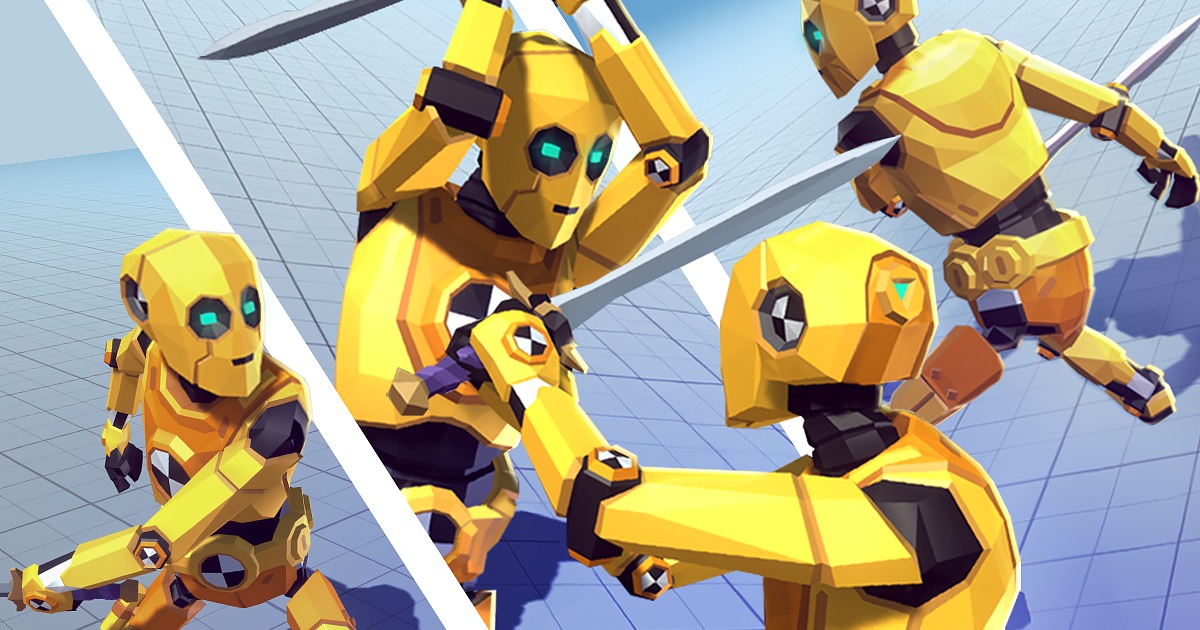
Synty ANIMATION - Sword Combat
Compatible with Synty POLYGON characters. This pack contains 105 hand crafted animations, with Synty's trademark quality.
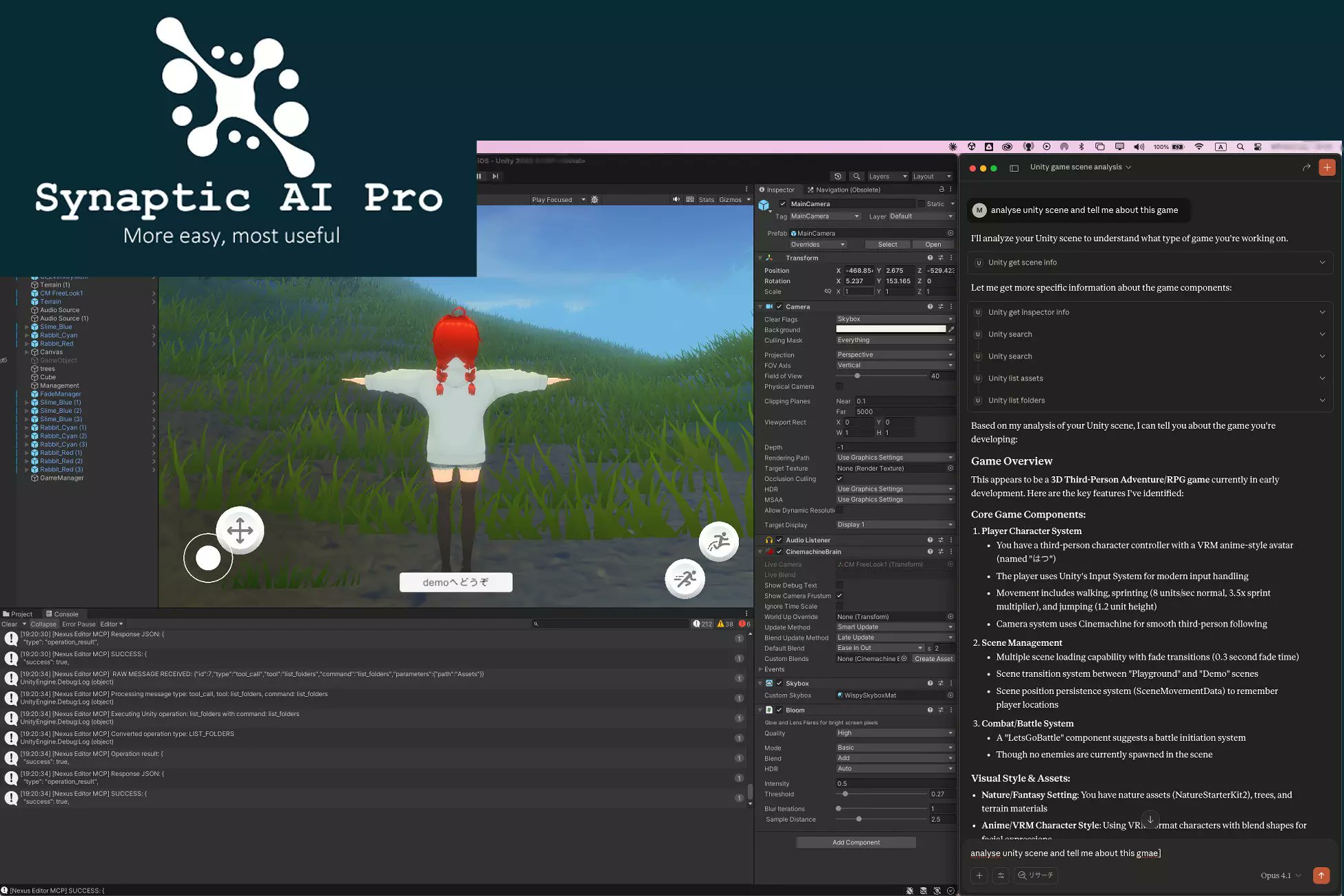
Synaptic AI Essential - Natural Language Control for Unity
AI-powered Unity development made simple. 87 tools to create, script, and build with natural language. Works with Claude Desktop, Cursor, VS Code. The affordable way to code with AI.

Survival Game Sounds Pack - Lite Edition
345 Original & high-quality crafting, hunting, nature and other sounds suitable for Survival Games and many other genres!
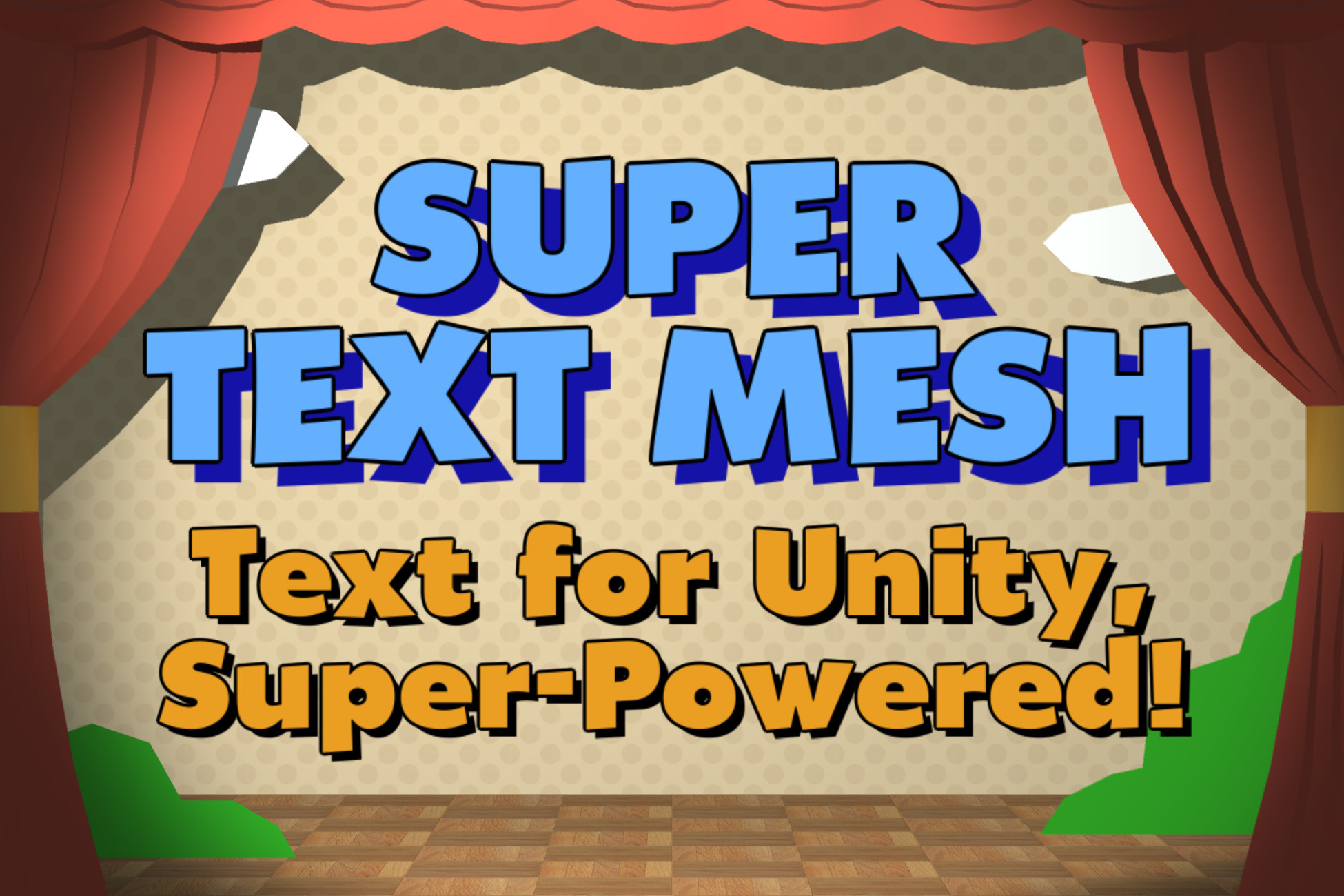
Super Text Mesh
Accessible, fun, and highly-customizable text renderer with a focus on features for stylish dialogue text.