Free Unity Assets — Download
477 assets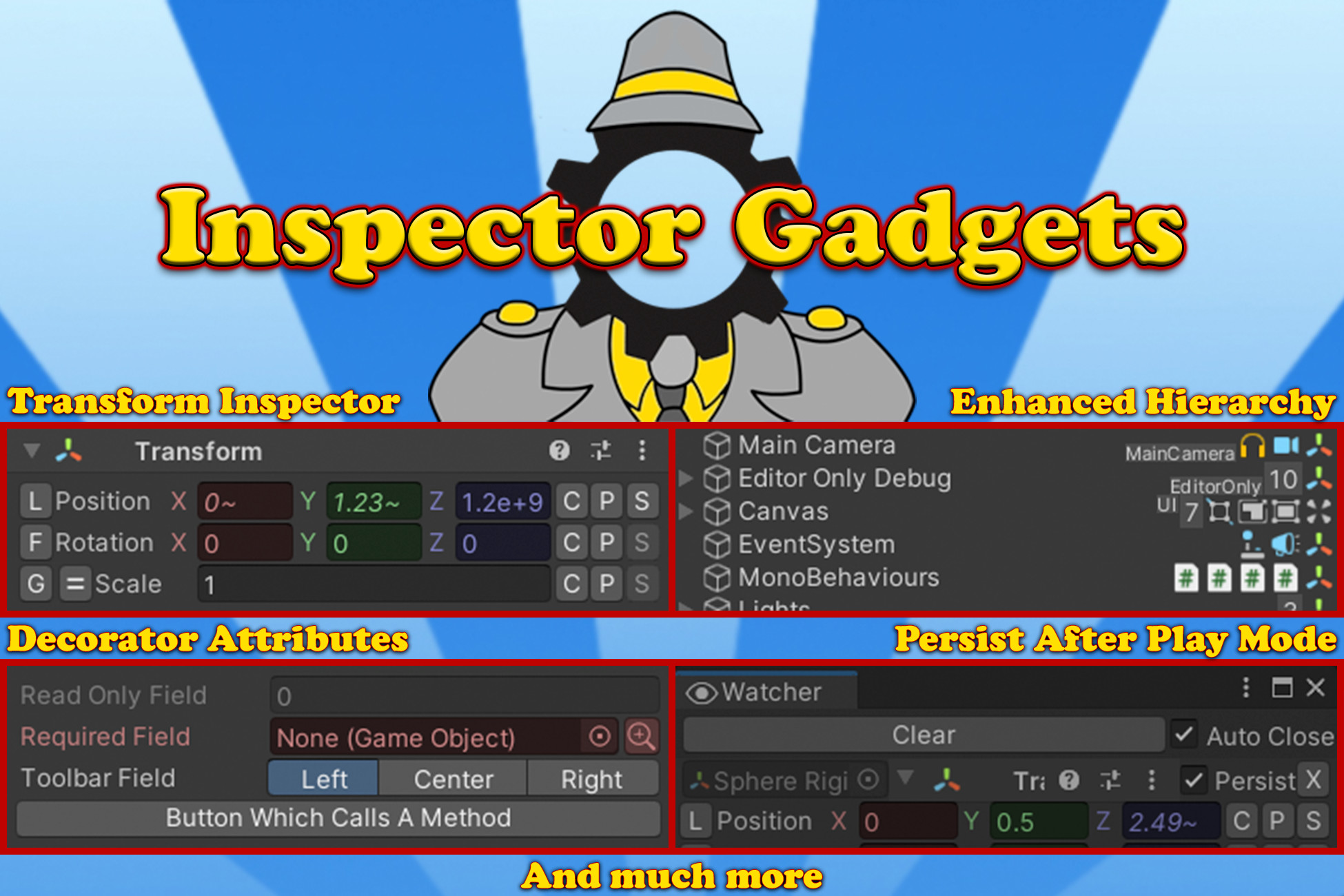
Inspector Gadgets Pro
[Pro] [Lite] [Documentation] [Forum] [mail@kybernetik.com.au] Streamline your development workflow with these Unity Editor enhancements. Features: ❶ Enhanced Transform Inspector -> The Inspector for the Transform component has been improved with the ability to Copy, Paste, and Snap individual properties, toggle between Local or World space, adjust the scale on all axes at once, and more. ❷ Enhanced Scene Gizmos [Pro-Only] -> Show scene gizmos for every selected object individually instead of using a single gizmo to move them all at once. Also, while you are moving an object in the scene Inspector Gadgets will indicate the position you are moving the object from and the distance you have moved it. ❸ Drag and Drop Sub-Assets [Pro-Only] -> Drag and drop assets in the project window onto each other to group them as sub-assets. ❹ Auto Hide UI -> Instead of having UI objects block a massive part of your Scene view, Inspector Gadgets can hide them when you aren't working with them and automatically focus the camera on them when you are. ❺ Context Menu Functions -> Dozens of useful functions are added to the context menu (right click menu) of each field in the Inspector based on its type. One of these functions allows you to indicate that certain values should persist when you leave Play Mode instead of reverting to their original values. ❻ Object Reference Fields [Pro-Only] -> References to UnityEngine.Objects (such as any reference to a GameObject, Component, or any asset) draw a button to automatically find a reference if they don't have one and can draw the Inspector of the referenced object right beneath the field. ❼ Decorator Attributes [Pro-Only] -> Various attributes allow you to customise the way serialized fields are drawn in the Inspector and even add things like buttons. ❽ Find Missing Scripts -> If you have any missing scripts, Inspector Gadgets makes it easy to find and fix them. ❾ Source Code [Pro-Only] -> The full source code of Inspector Gadgets is included as plain C# files with detailed comments so you can see all its internal workings, track down bugs, make any modifications you see fit, and avoid becoming dependant on the developer to fix issues (but feel free to email mail@kybernetik.com.au or post in the Forum Thread if you need support).
Infinite Runner Engine 3D
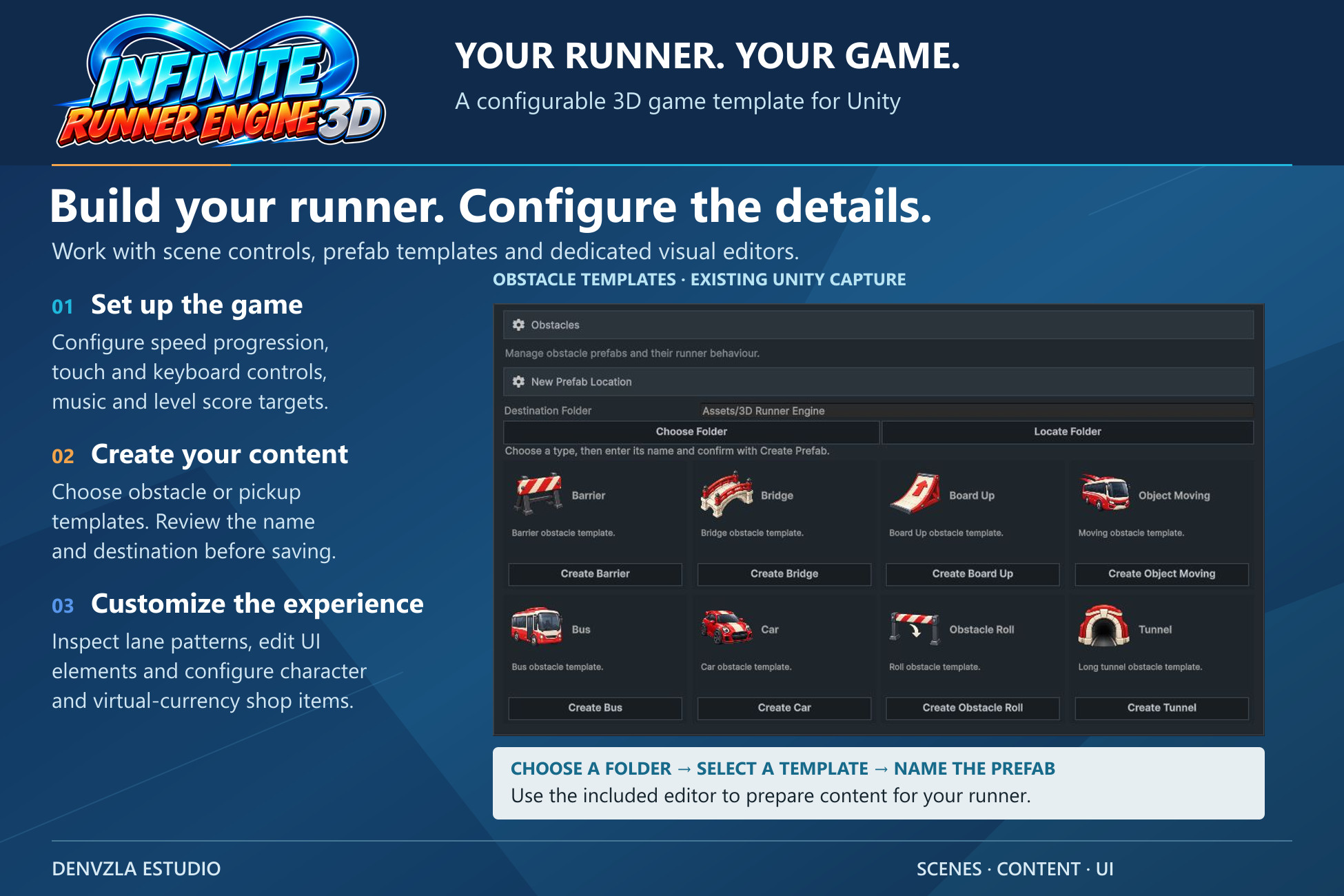
🚀 Infinite Runner Engine 3DBuild your own endless runner with visual tools for Unity.⭐ Unity 6 Ready · C# Source Code · Mobile & Keyboard ControlsTurn your ideas into a customizable 3D runner. Infinite Runner Engine 3D brings together gameplay systems, visual editors, character tools, UI customization, shops and upgrades—giving you a practical foundation to build your own game.Start with the included scenes, explore the settings in the Custom Editors, and customize your characters, environments, obstacles and rewards.🎮 Play the WebGL DemoThe WebGL demo does not include ads or in-app purchases.📖 Explore the Online Manual🛠️ Create and Customize VisuallySpend less time searching through settings and more time building your game.Task-based Welcome Window — Find configuration, pattern editing, review and comparison tools in one place.Visual Pattern Editor — Arrange items and buildings by lane, select resources visually and edit individual cells.Numbers & Colors Editor — Work directly with pattern IDs and color-coded resources.Position Editing — Adjust supported placement heights with dedicated controls.Prefab Creation Tools — Create Buildings, Collectables and Obstacles as your own prefabs in a destination folder you choose.Building Placement Guides — Clearly distinguish road space from decoration areas.Character Creator — Create a character prefab from a compatible model and the supported controller structure.Tabbed Character Inspector — Configure movement, animation, upgrades, detectors, effects and hoverboards.UI Visual Editor — Select and customize existing UI elements with visual positioning, sizing, text, image and color controls.Configuration Tools — Review references, explore catalog relationships and compare supported settings.Access the tools through:Denvzla Estudio → 3D Infinity Runner Engine🏃 Runner Gameplay SystemsBuild on the included runner mechanics and customize them for your project.Swipe gestures and keyboard controls.Gamepad support and configurable movement keys.Lane switching, jumping and sliding.Moving obstacles, including vehicle-style hazards.Distance-based object spawning.Object pooling.Multiple obstacle types.Six power-up item types.Follower enemy system.Configurable audio and sound effects.🪙 Shops, Rewards and ProgressionGive players goals to work toward with connected progression systems.Shop and virtual currency systems.Currency saving.Life system.Character upgrades.Level locking and unlocking.Star ratings and level progression.Configurable rewards and progression settings.🎨 Make the Game Your OwnCustomize the included setup to match your creative direction.Replace the demo environment with your own theme.Create reusable obstacle, collectable and building prefabs.Configure compatible characters and their gameplay settings.Edit existing menus and gameplay UI.Customize audio, patterns, shops and upgrades.🎃 The Halloween presentation is a demo theme—not a required visual style.Use it as a starting point or build your own environment with custom 3D assets.🌍 Optional Curved World EffectAdd a distinctive curved-world appearance using vertex displacement.The shader changes how supported geometry is rendered without rewriting the original mesh assets. It is a visual effect, not a replacement for curved collision geometry; physics and placement still use the underlying scene setup.Requires compatible shaders and materials.📱 Monetization IntegrationsUnity Ads integration for Android and iOS.Unity In-App Purchasing integration.Ads and purchases require the appropriate services, packages, platform configuration and testing. They are not enabled in the WebGL demo.✅ Requirements & Important NotesUnity 6000.6.5f1 or higher.Character creation requires a model compatible with the supported rig and animation setup; it is not a universal rig converter.UI Visual Editor customizes existing screens. Layout-driven properties remain subject to their layout components.Prefab creation saves a new asset explicitly. Undo support for scene or library changes does not mean the created prefab file is deleted.Performance depends on the target device, scene complexity, assets and rendering settings. Profile your own build on your intended devices.📚 Documentation & Tutorials📖 Online Manual & Quick Guides🎬 Getting Started Video📺 Unity Ads Tutorial🛒 Unity In-App Purchasing TutorialVideo tutorials may show earlier interfaces. Refer to the current manual for the latest editor workflows.✨ Your theme. Your characters. Your runner.Start with a ready-made foundation and shape it into your own game.🎮 Try the Demo · 📖 Read the ManualStay connected with Denvzla Estudio📧 Email · 🌐 Website
InfiniRIVER - Fluid based water simulator
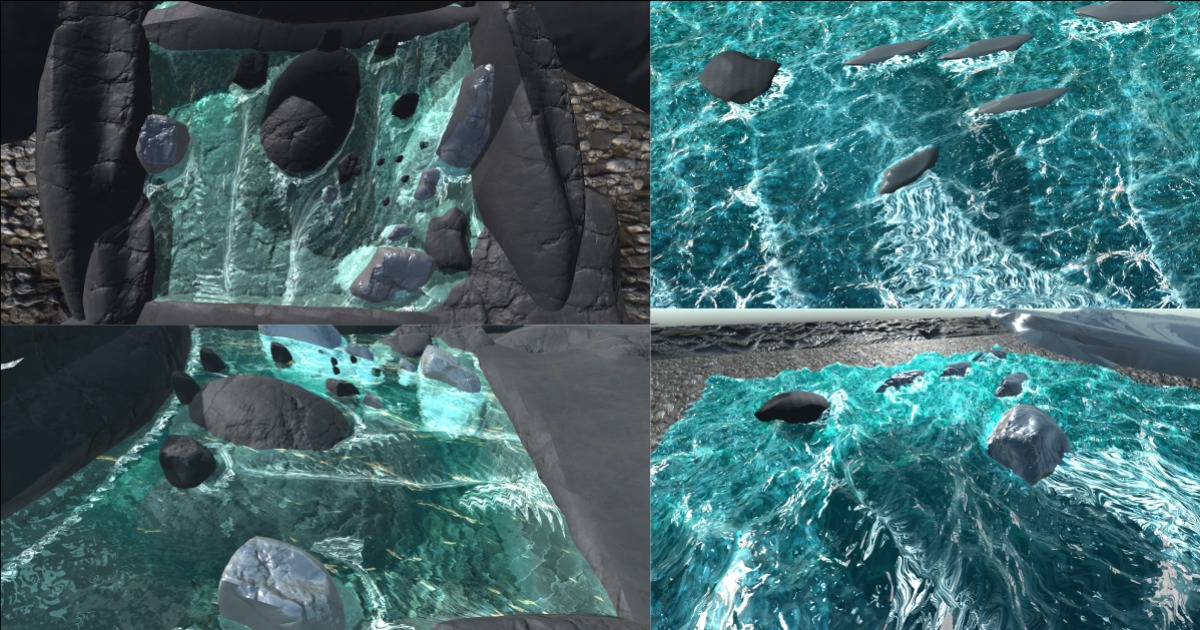
InfiniRIVER is a Fluid based water simulator system that can emulate the interaction of water with scene objects in real time using a fluid solver in a global or local way for versatility.
Impostors - Runtime Optimization
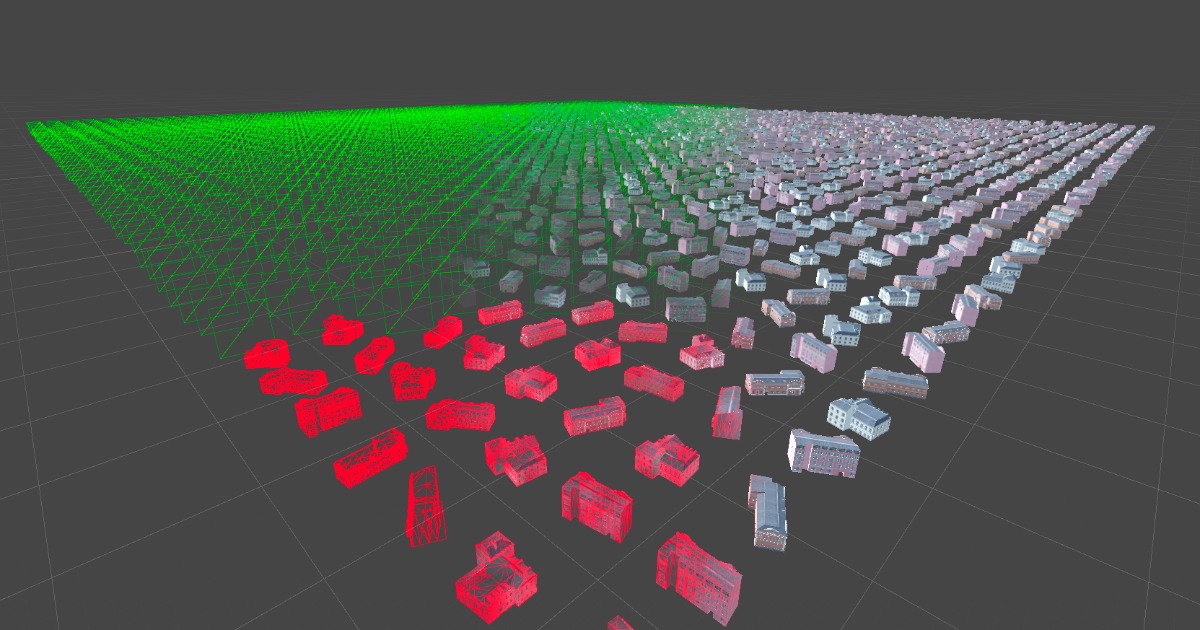
Converts distant complex 3D objects into simple 2D quads which significantly reduces triangles and drawcalls. Purely runtime. No baking, no preprocessing, just seamless execution.
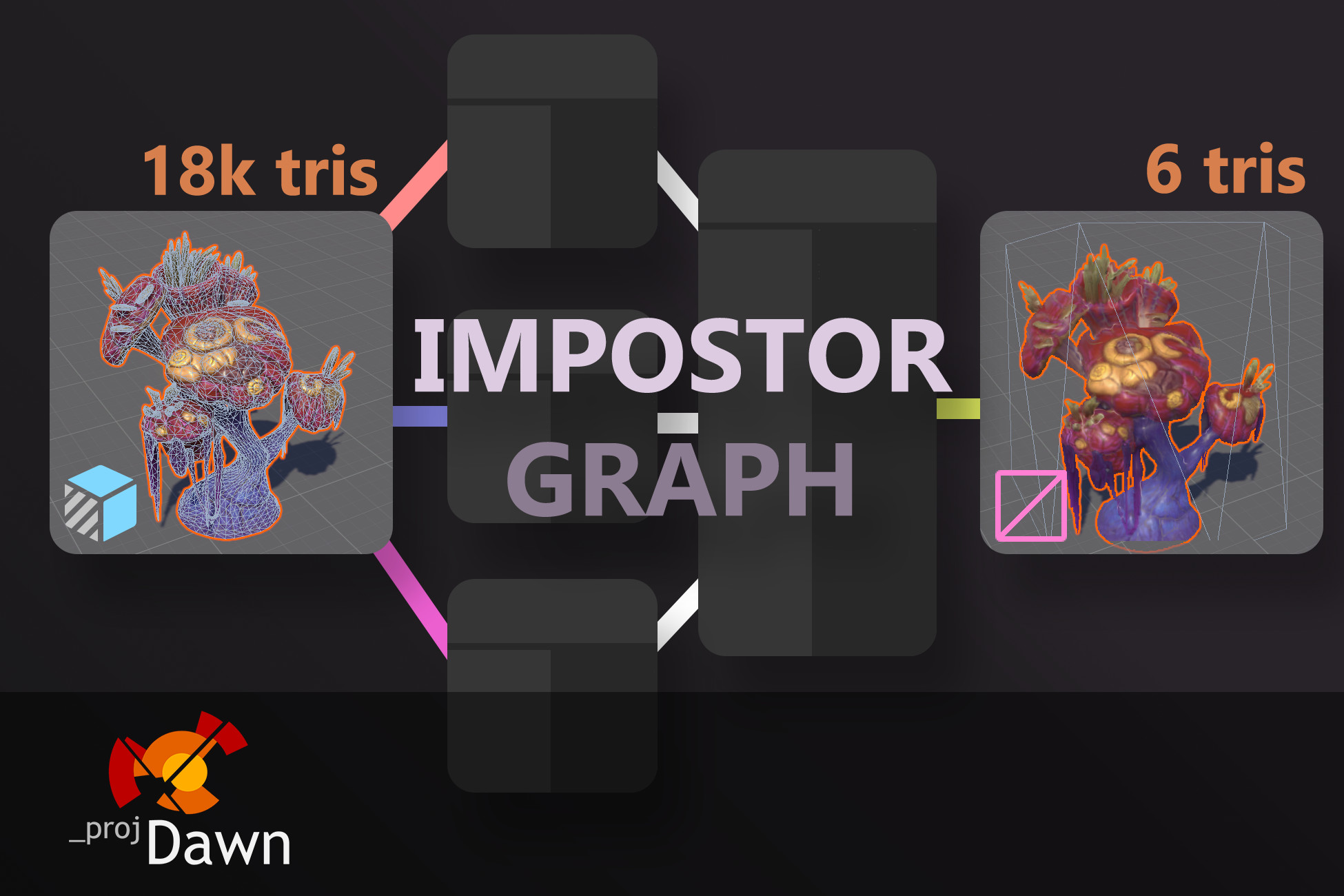
Impostor Graph
The Impostor Graph is a tool that allows users to create custom impostors for real-time rendering of distant objects.
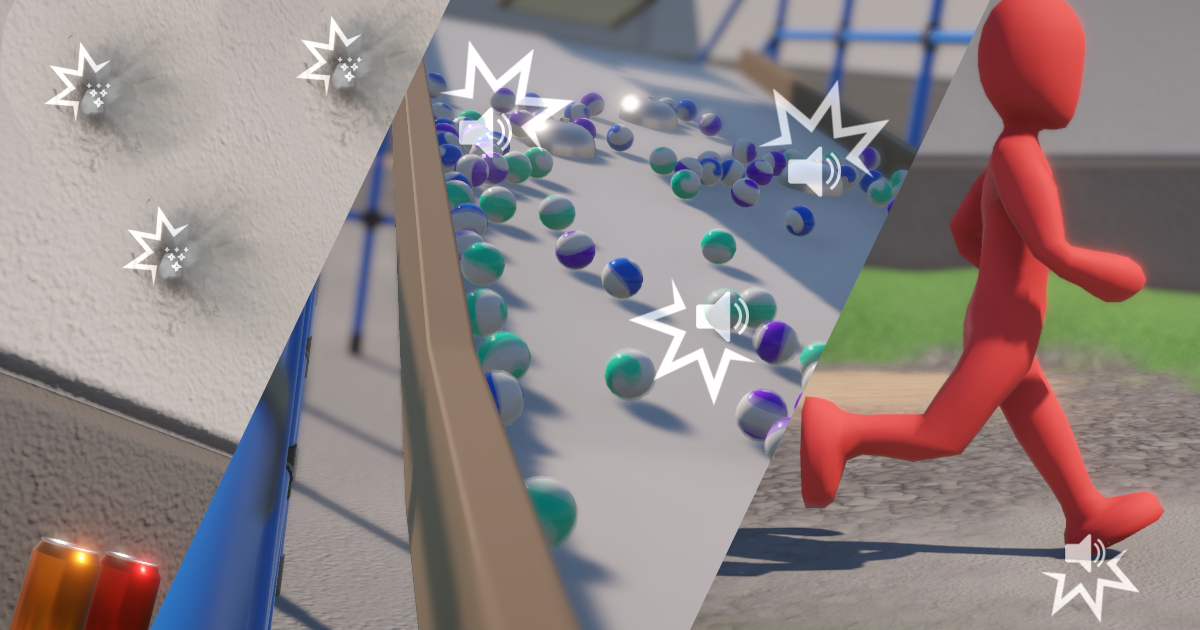
Impact CFX - Collision Effects System
Impact CFX is a powerful and flexible material-based collision effects system for producing audio, particle, and decal effects from physics collisions and raycasts.
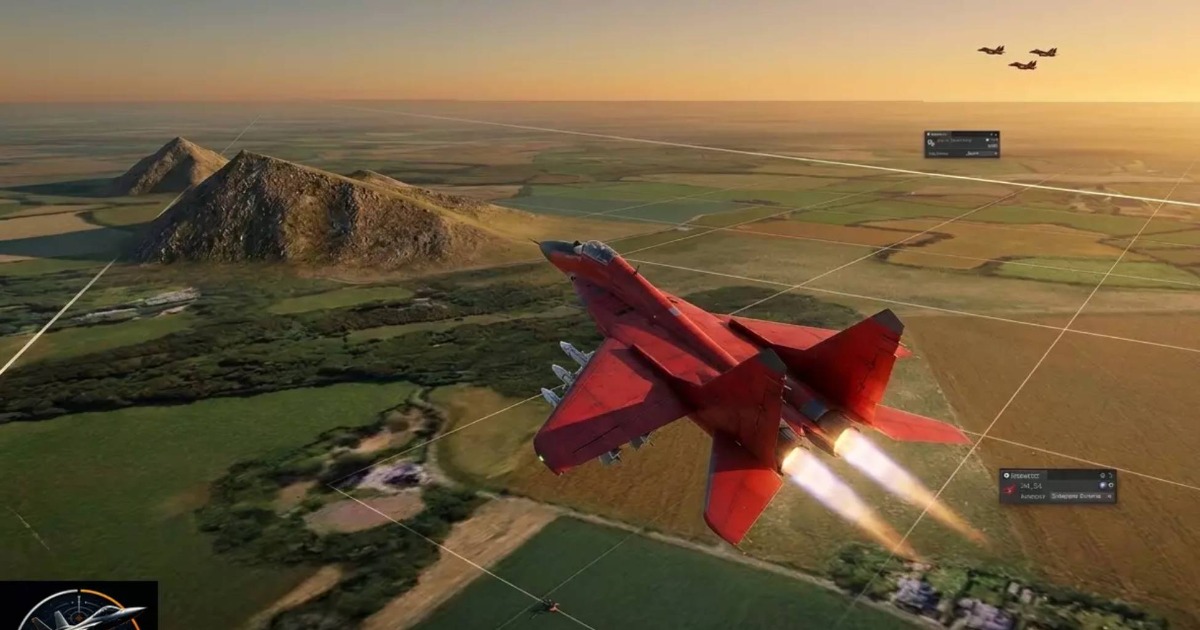
Air Strike Combat Kit
Build Your Air Combat Game Faster Than Ever – With One Powerful System! IFly2026 gives you everything you need to create stunning air combat games in Unity — fast, smooth, and production-ready.
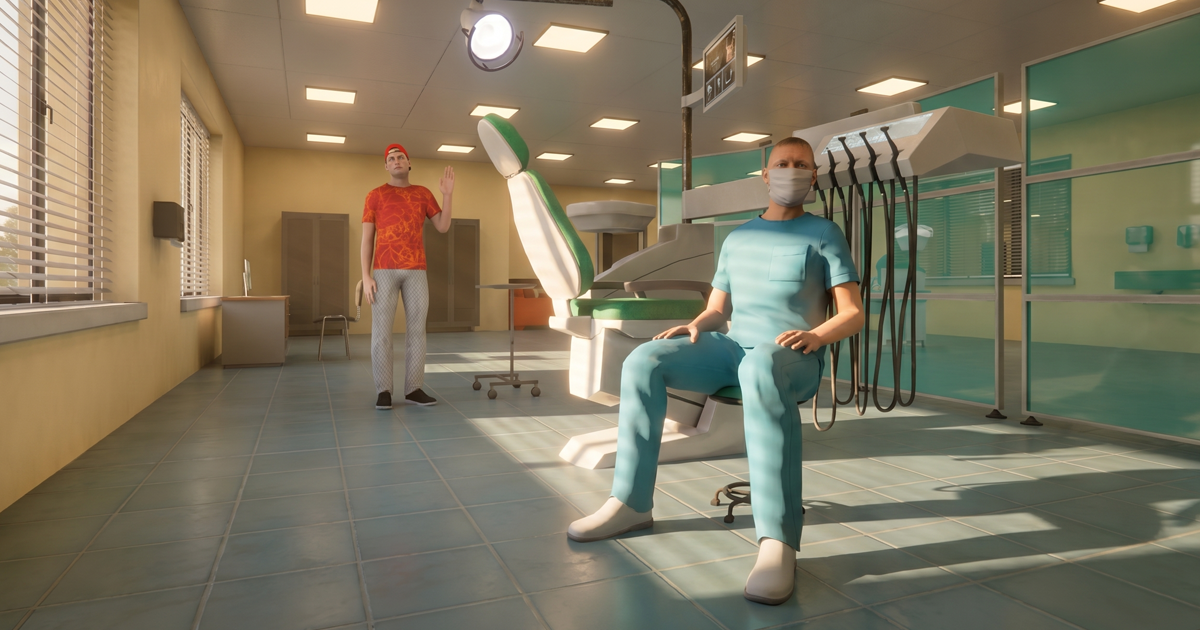
Hospital - modular building, props and characters
This is a modular building with an adjacent territory, with an elevator and a staircase between floors, hospital wards and operation rooms with all the necessary equipment, furniture and characters.
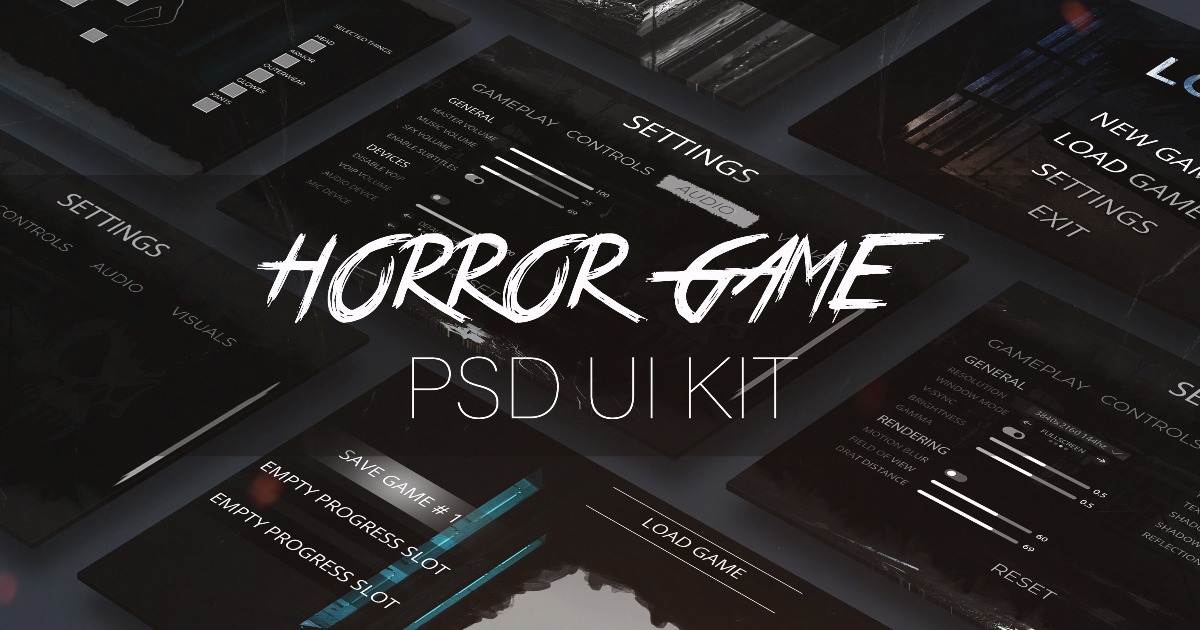
Horror Game PSD UI Kit
Horror Game PSD UI Kit is a clean, minimalistic and creative UI pack. It is easy to use, fully editable and customizable.
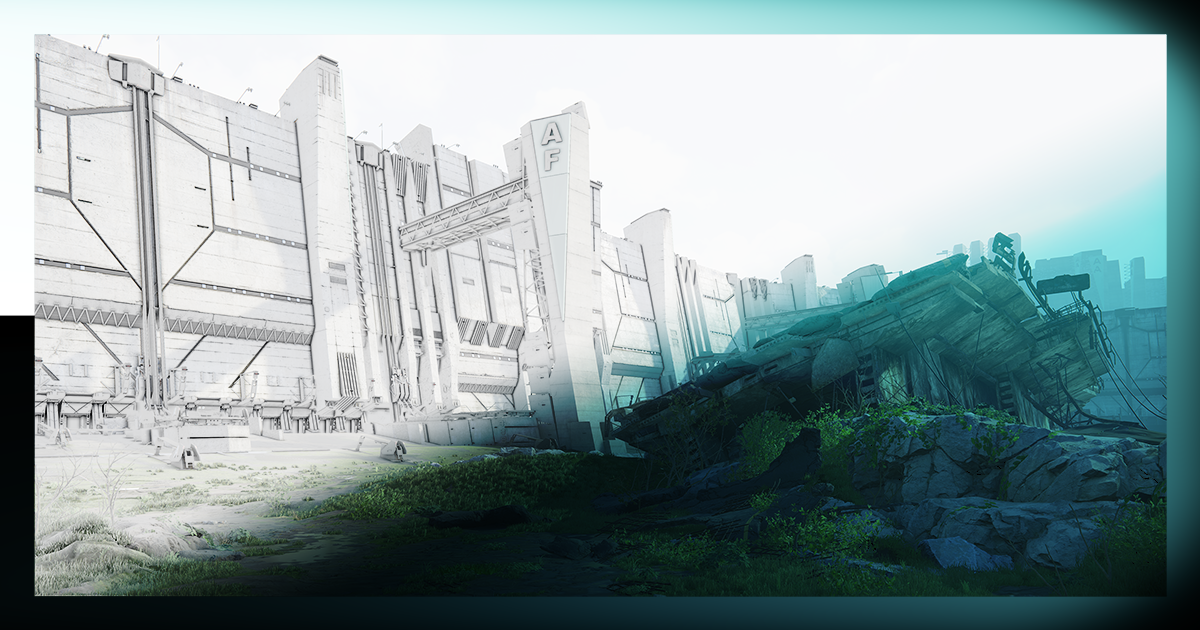
Horizon Based Ambient Occlusion
HBAO is a post processing image effect to use in order to add realism to your scenes. It helps accentuating small surface details and reproduce light attenuation due to occlusion.
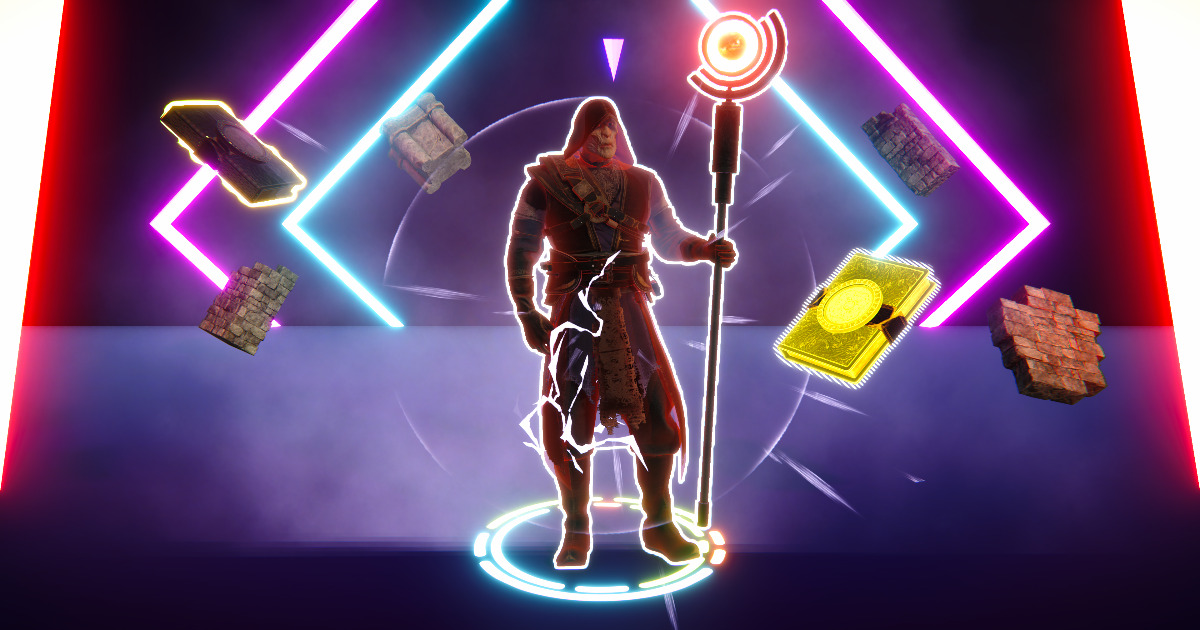
Highlight Plus 2 - All in One Outline & Selection Effects
Highlight Plus 2 is the ultimate highlighting solution for Unity. Add outline, glow, overlay, see-through and other effects to objects and characters in your scene with ease and flexibility.
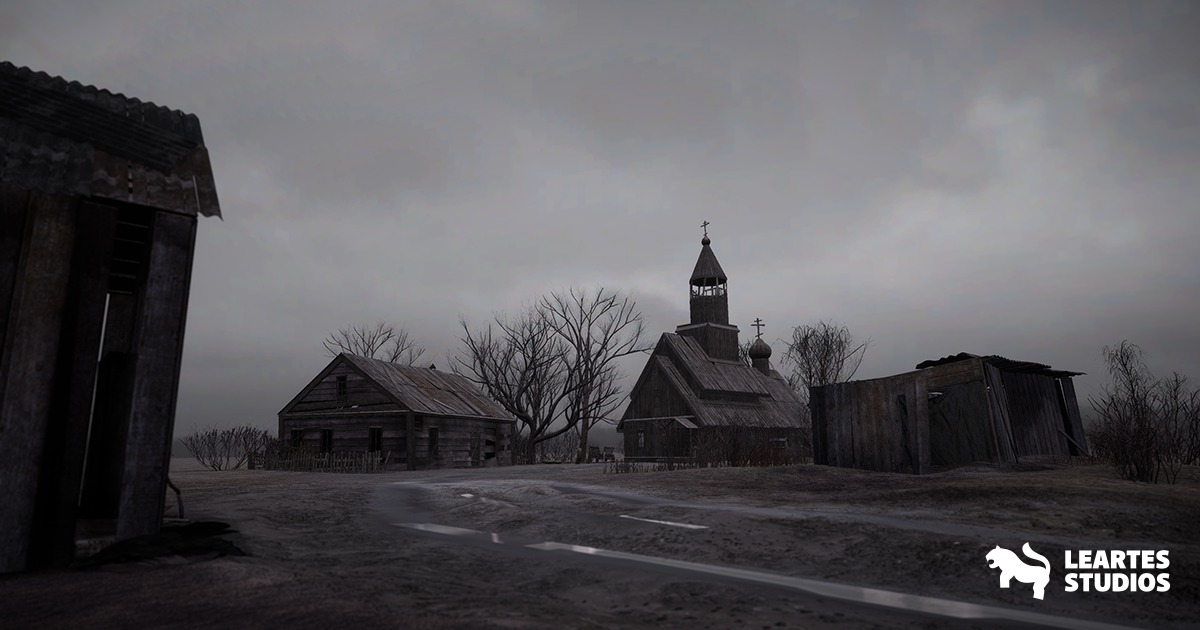
Haunted Village Environment / Horror Village Environment
Haunted Village Environment with 108 Unique Meshes. Including all showcased assets, high-quality assets. With a good level of detail and optimized for Gameready Projects.