Catalog
Infinite Runner Engine 3D
Infinite Runner Engine 3D
Description
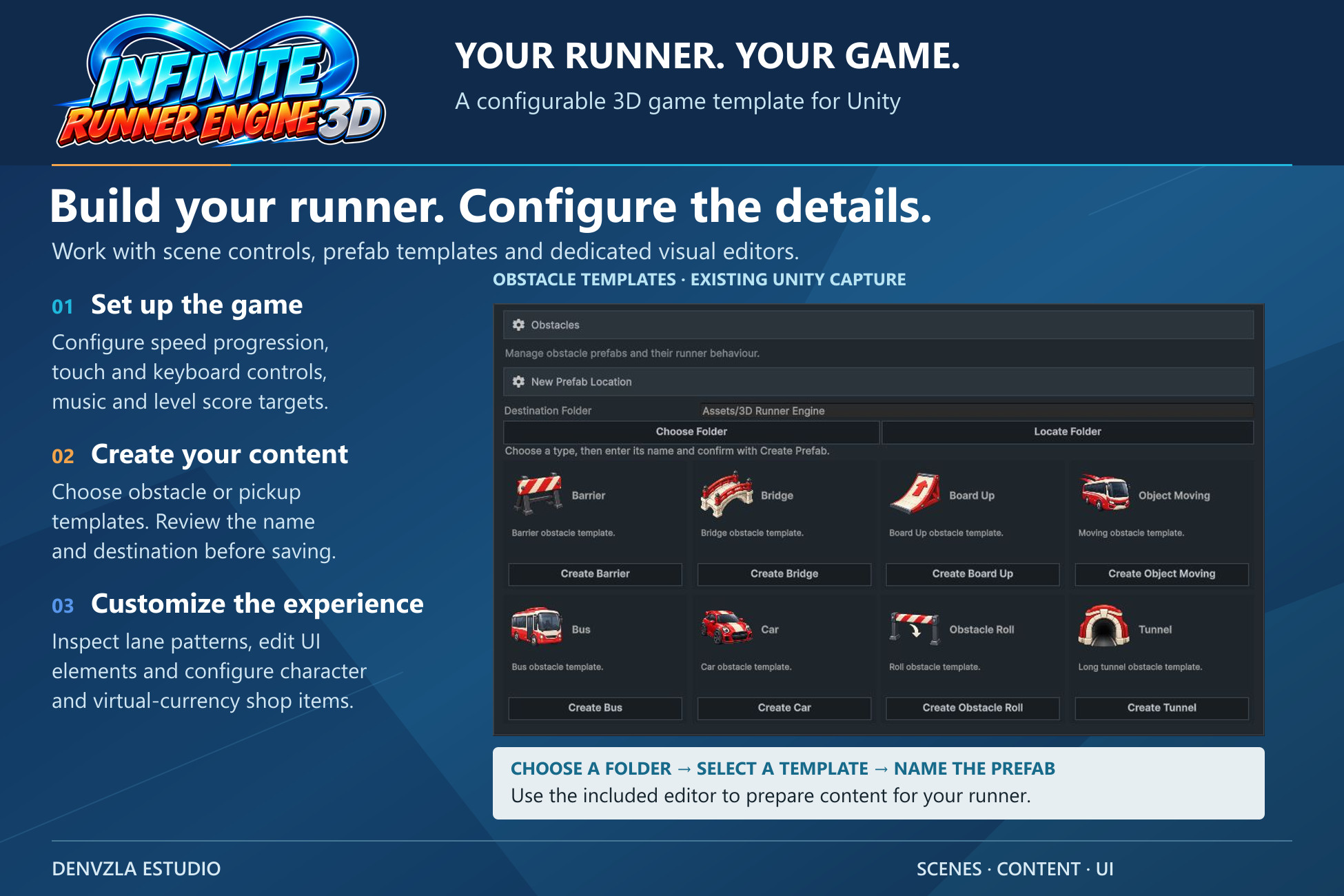
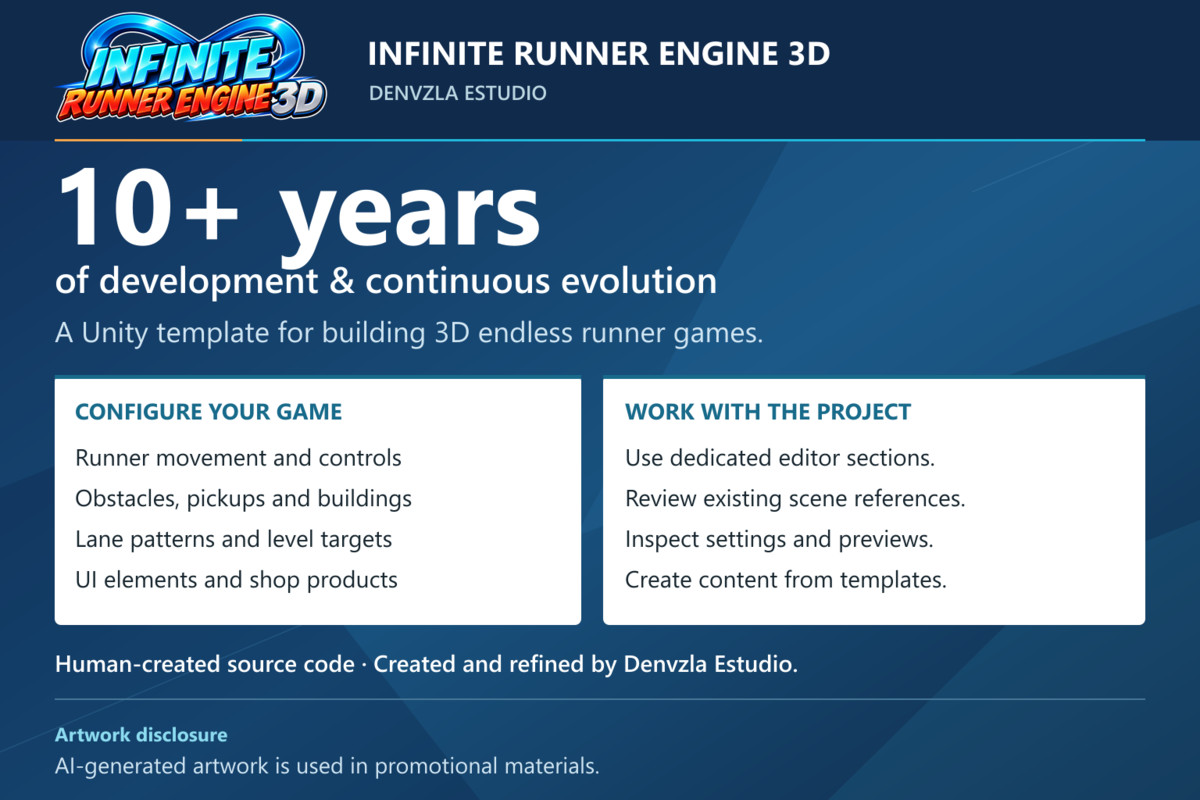
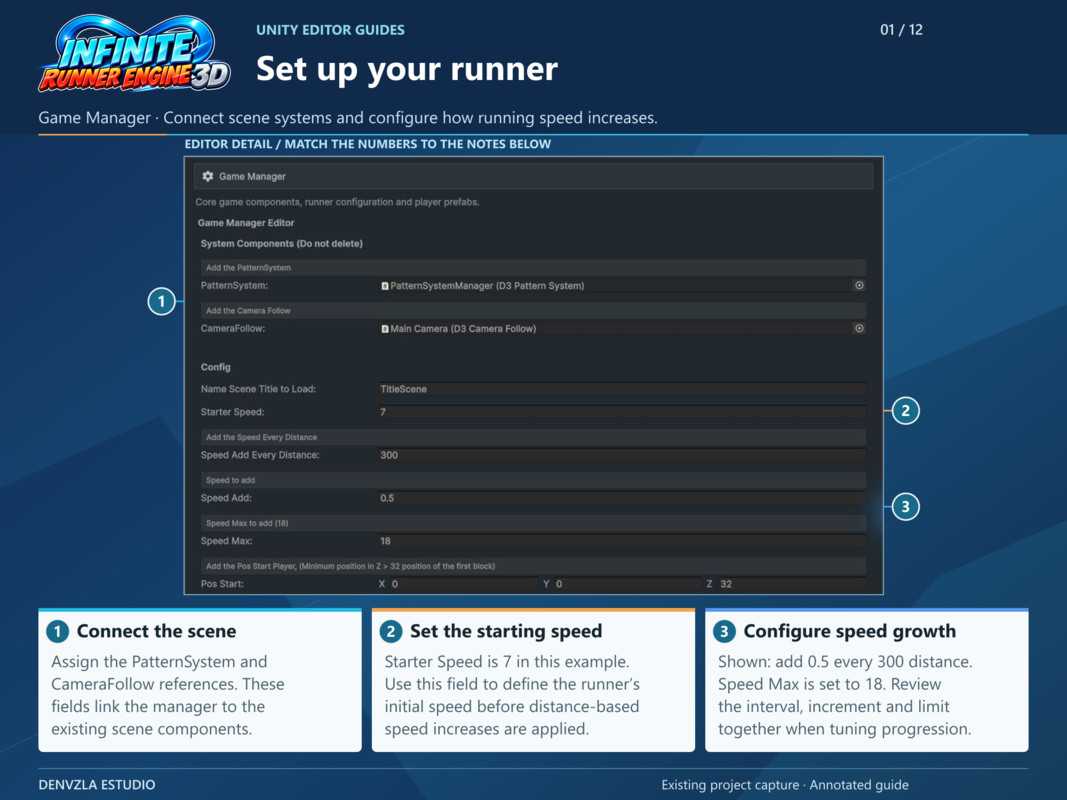
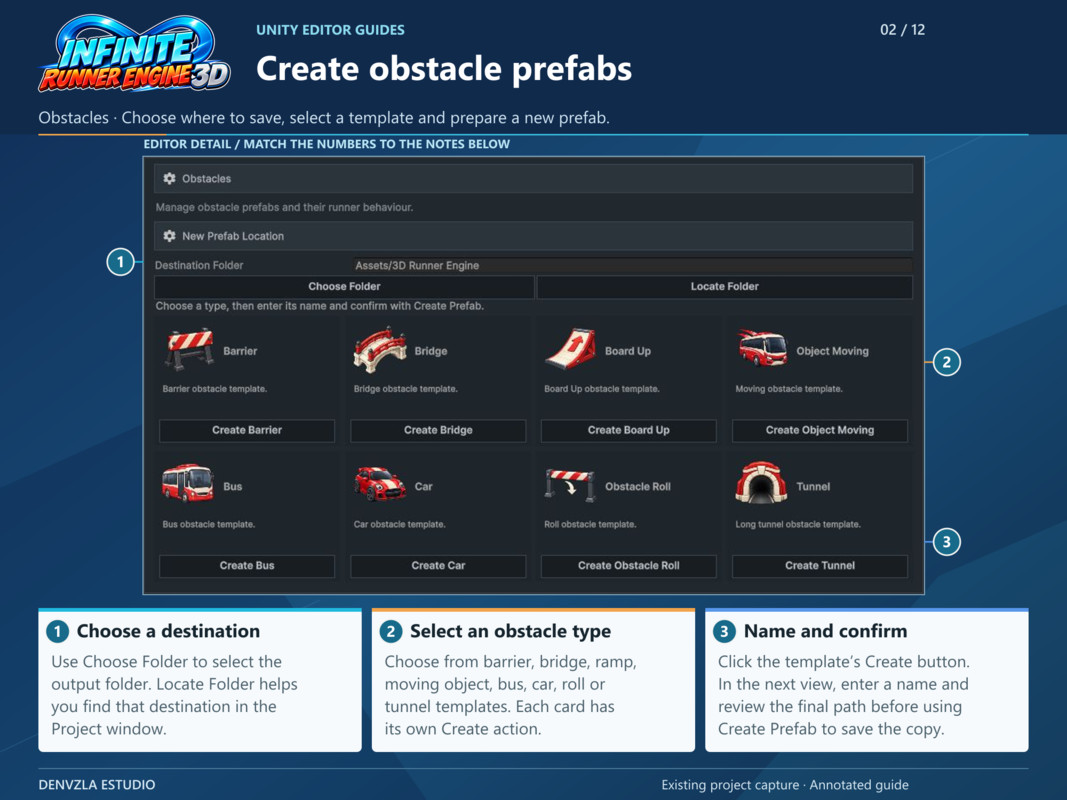
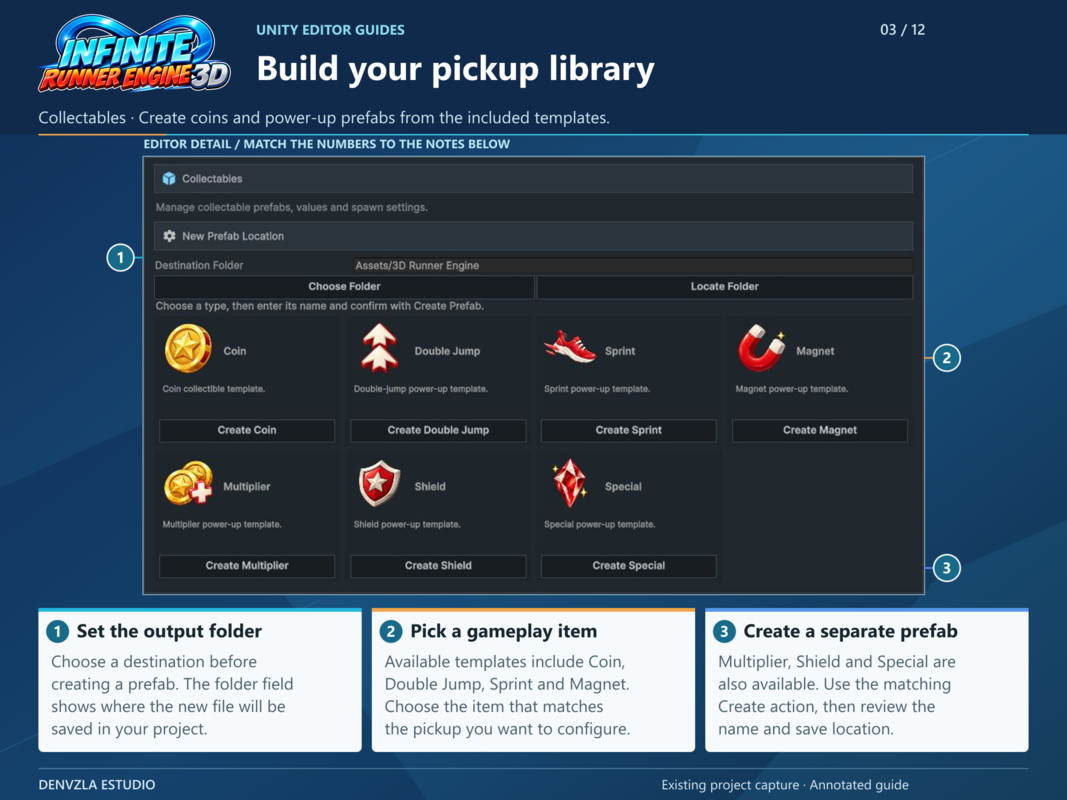
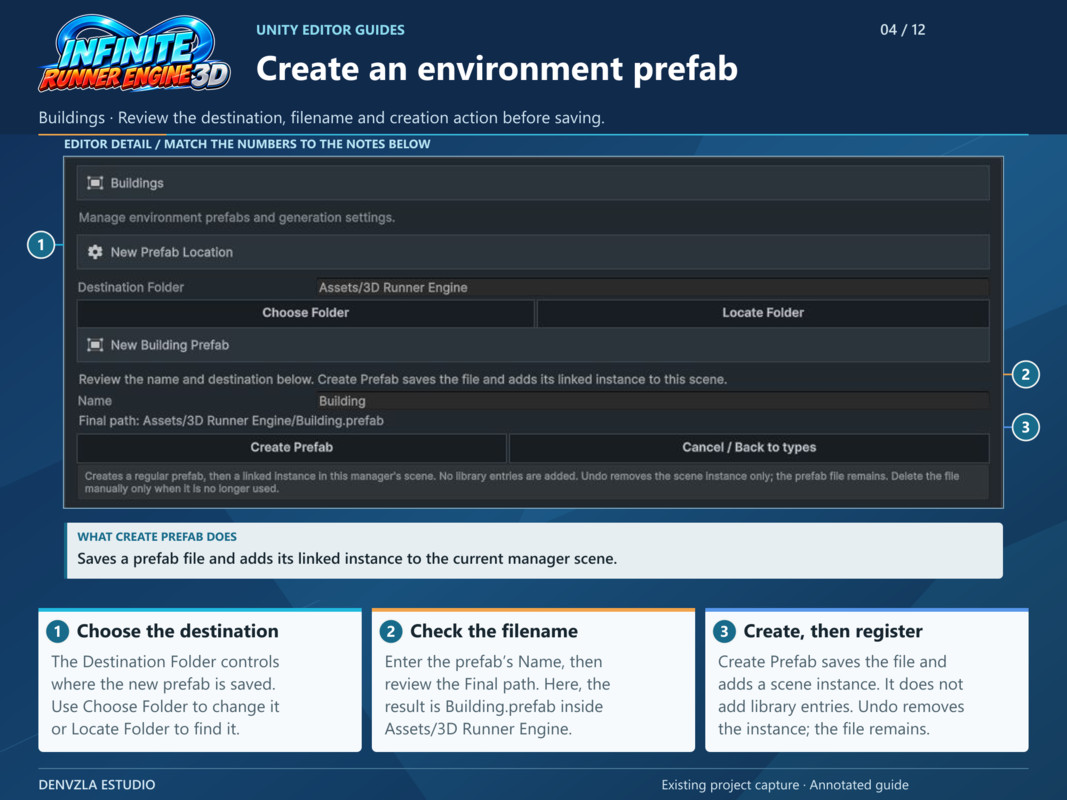
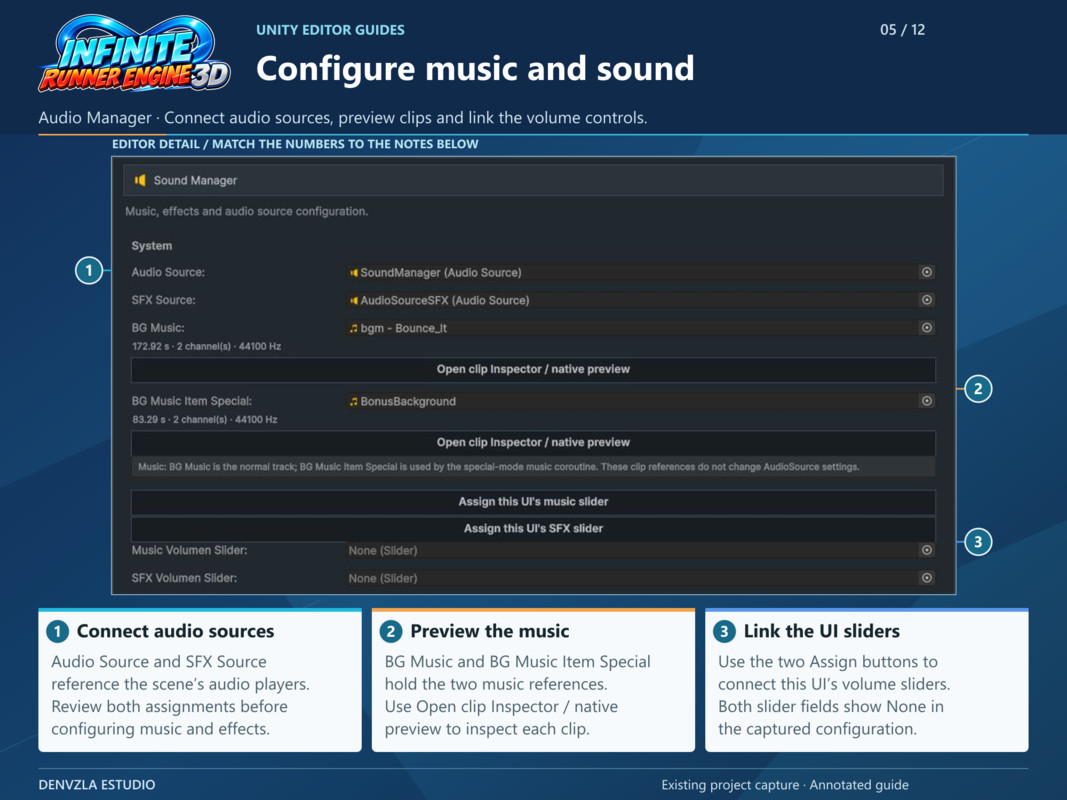
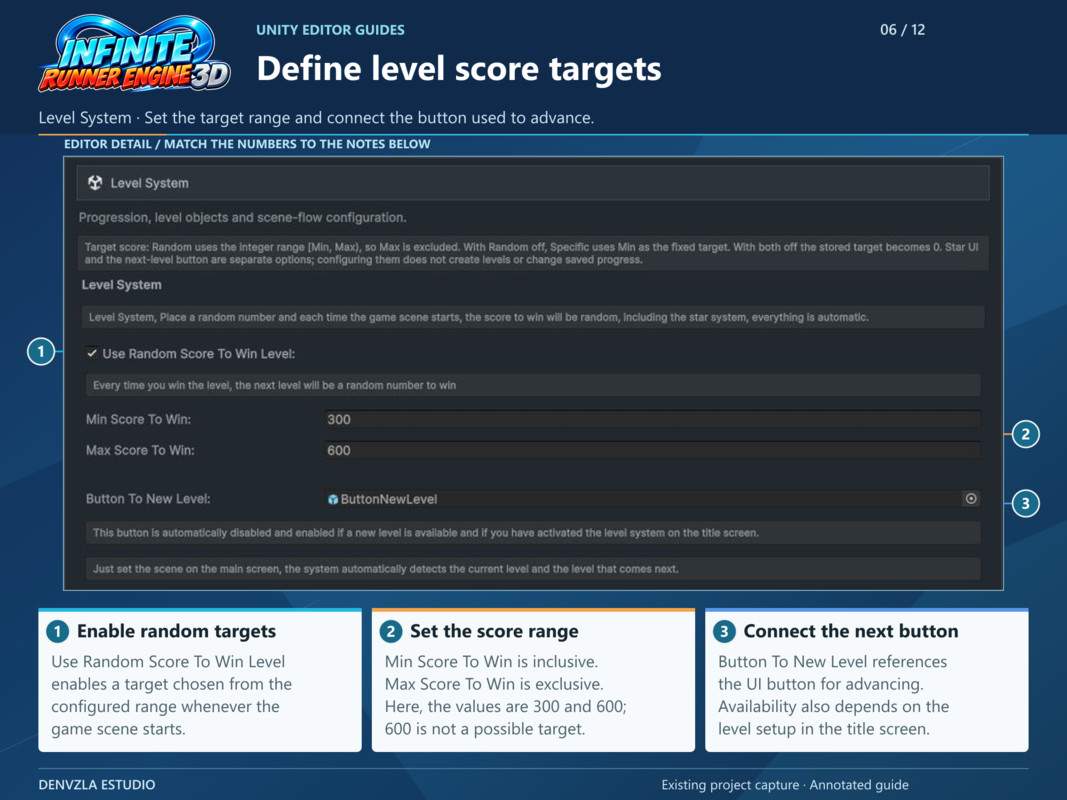
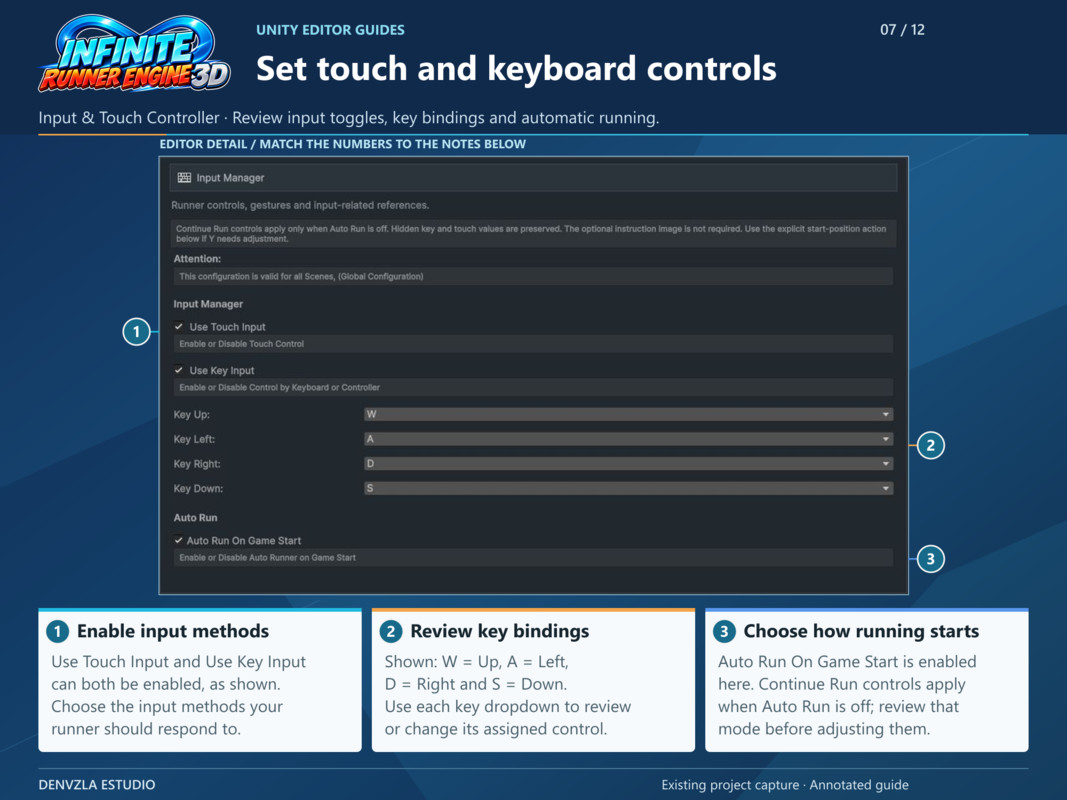
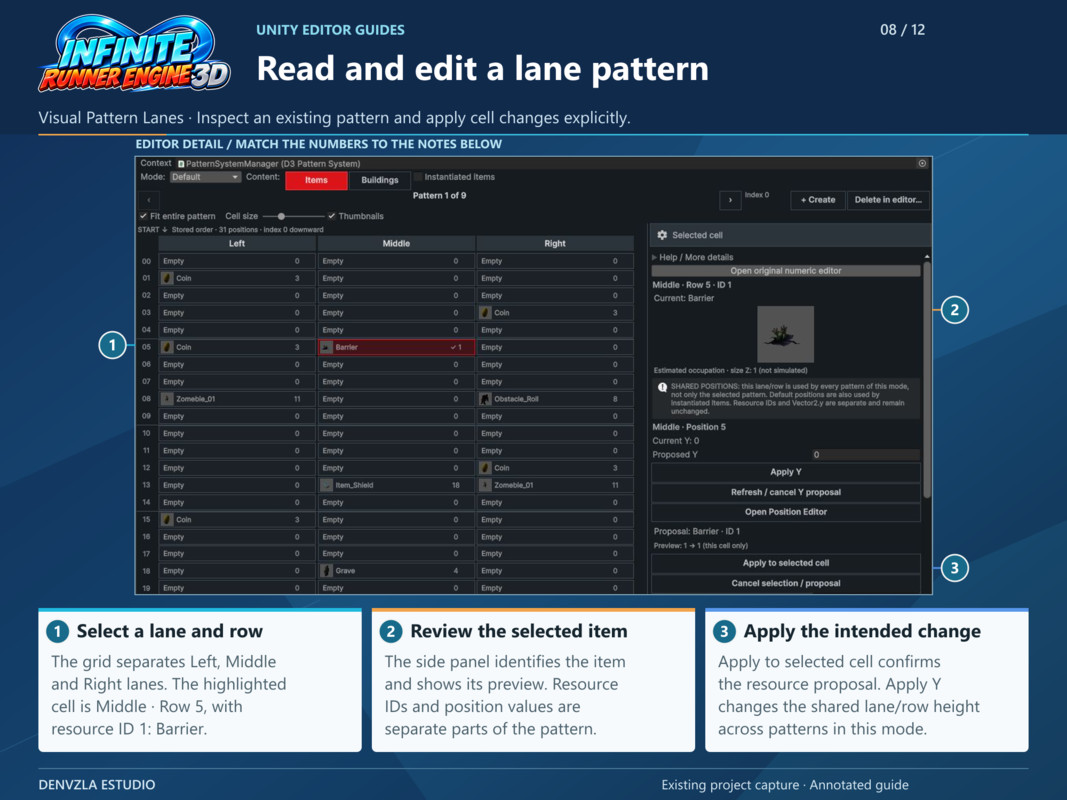
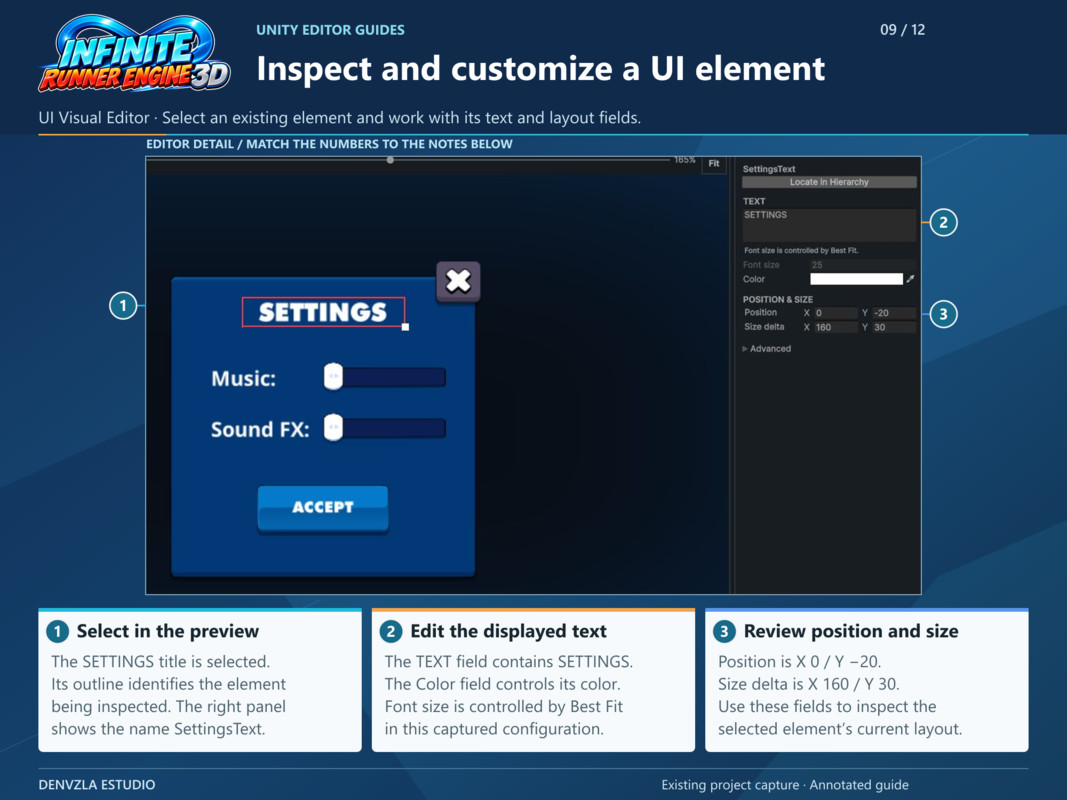
🚀 Infinite Runner Engine 3DBuild your own endless runner with visual tools for Unity.⭐ Unity 6 Ready · C# Source Code · Mobile & Keyboard ControlsTurn your ideas into a customizable 3D runner. Infinite Runner Engine 3D brings together gameplay systems, visual editors, character tools, UI customization, shops and upgrades—giving you a practical foundation to build your own game.Start with the included scenes, explore the settings in the Custom Editors, and customize your characters, environments, obstacles and rewards.🎮 Play the WebGL DemoThe WebGL demo does not include ads or in-app purchases.📖 Explore the Online Manual🛠️ Create and Customize VisuallySpend less time searching through settings and more time building your game.Task-based Welcome Window — Find configuration, pattern editing, review and comparison tools in one place.Visual Pattern Editor — Arrange items and buildings by lane, select resources visually and edit individual cells.Numbers & Colors Editor — Work directly with pattern IDs and color-coded resources.Position Editing — Adjust supported placement heights with dedicated controls.Prefab Creation Tools — Create Buildings, Collectables and Obstacles as your own prefabs in a destination folder you choose.Building Placement Guides — Clearly distinguish road space from decoration areas.Character Creator — Create a character prefab from a compatible model and the supported controller structure.Tabbed Character Inspector — Configure movement, animation, upgrades, detectors, effects and hoverboards.UI Visual Editor — Select and customize existing UI elements with visual positioning, sizing, text, image and color controls.Configuration Tools — Review references, explore catalog relationships and compare supported settings.Access the tools through:Denvzla Estudio → 3D Infinity Runner Engine🏃 Runner Gameplay SystemsBuild on the included runner mechanics and customize them for your project.Swipe gestures and keyboard controls.Gamepad support and configurable movement keys.Lane switching, jumping and sliding.Moving obstacles, including vehicle-style hazards.Distance-based object spawning.Object pooling.Multiple obstacle types.Six power-up item types.Follower enemy system.Configurable audio and sound effects.🪙 Shops, Rewards and ProgressionGive players goals to work toward with connected progression systems.Shop and virtual currency systems.Currency saving.Life system.Character upgrades.Level locking and unlocking.Star ratings and level progression.Configurable rewards and progression settings.🎨 Make the Game Your OwnCustomize the included setup to match your creative direction.Replace the demo environment with your own theme.Create reusable obstacle, collectable and building prefabs.Configure compatible characters and their gameplay settings.Edit existing menus and gameplay UI.Customize audio, patterns, shops and upgrades.🎃 The Halloween presentation is a demo theme—not a required visual style.Use it as a starting point or build your own environment with custom 3D assets.🌍 Optional Curved World EffectAdd a distinctive curved-world appearance using vertex displacement.The shader changes how supported geometry is rendered without rewriting the original mesh assets. It is a visual effect, not a replacement for curved collision geometry; physics and placement still use the underlying scene setup.Requires compatible shaders and materials.📱 Monetization IntegrationsUnity Ads integration for Android and iOS.Unity In-App Purchasing integration.Ads and purchases require the appropriate services, packages, platform configuration and testing. They are not enabled in the WebGL demo.✅ Requirements & Important NotesUnity 6000.6.5f1 or higher.Character creation requires a model compatible with the supported rig and animation setup; it is not a universal rig converter.UI Visual Editor customizes existing screens. Layout-driven properties remain subject to their layout components.Prefab creation saves a new asset explicitly. Undo support for scene or library changes does not mean the created prefab file is deleted.Performance depends on the target device, scene complexity, assets and rendering settings. Profile your own build on your intended devices.📚 Documentation & Tutorials📖 Online Manual & Quick Guides🎬 Getting Started Video📺 Unity Ads Tutorial🛒 Unity In-App Purchasing TutorialVideo tutorials may show earlier interfaces. Refer to the current manual for the latest editor workflows.✨ Your theme. Your characters. Your runner.Start with a ready-made foundation and shape it into your own game.🎮 Try the Demo · 📖 Read the ManualStay connected with Denvzla Estudio📧 Email · 🌐 Website